Invoices and quotes
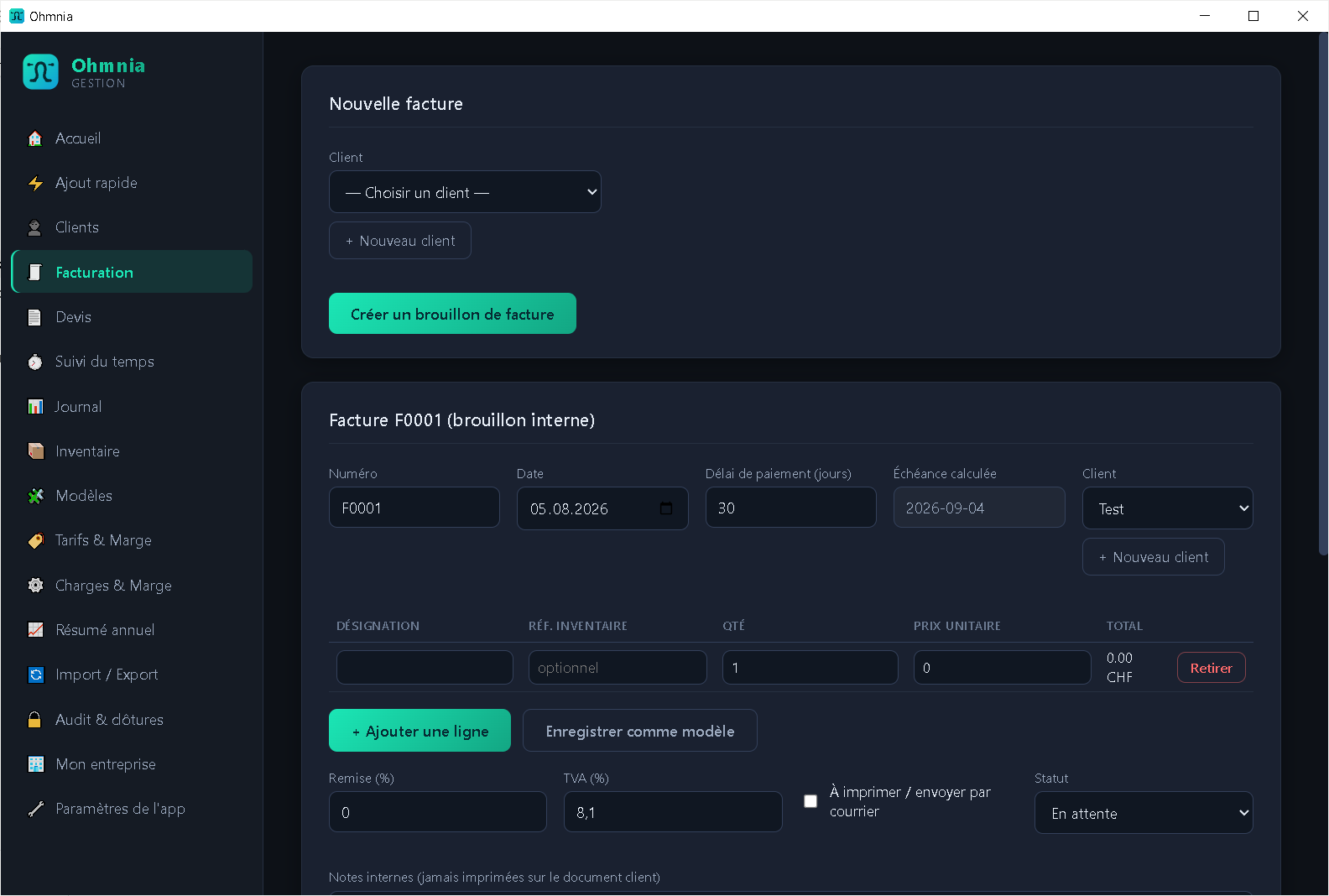
Create quotes and invoices, convert in one click, export a PDF ready to send.
Invoicing, quotes, simplified accounting and inventory in a single application installed on your machine. No account, no server, no connection required.
Windows · local installation
Ohmnia keeps all of your records in a local file that you control. There is no implicit synchronisation, no usage statistics sent anywhere, and no remote access to your accounts.
The everyday tools of a self-employed business, with no dependency on an online service.
Create quotes and invoices, convert in one click, export a PDF ready to send.
Due dates tracked and unpaid invoices chased according to your own terms.
Hours recorded per client and per project, carried straight over to an invoice line.
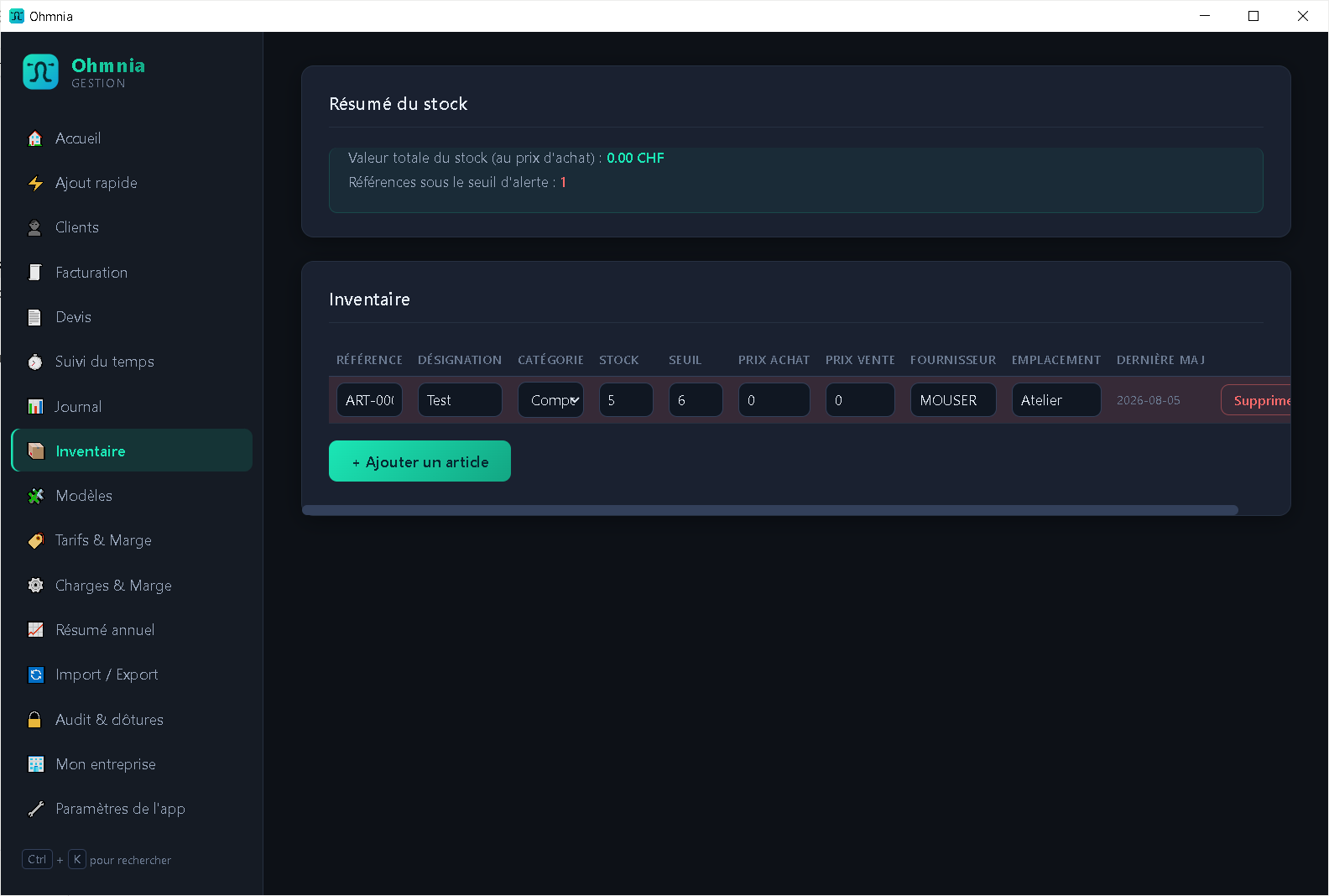
Items and stock movements, with low-stock alerts and automatic decrements.
Income and expense journal, bank statement import (CSV and CAMT.053) and automatic matching.
Encrypted archives of your data, on the storage of your choice.
Tax settings and legal wording for Switzerland, France, Belgium, Luxembourg and Germany — starting points to be checked, not a certification.
Your entries, clients and items exportable to CSV and PDF at any time.
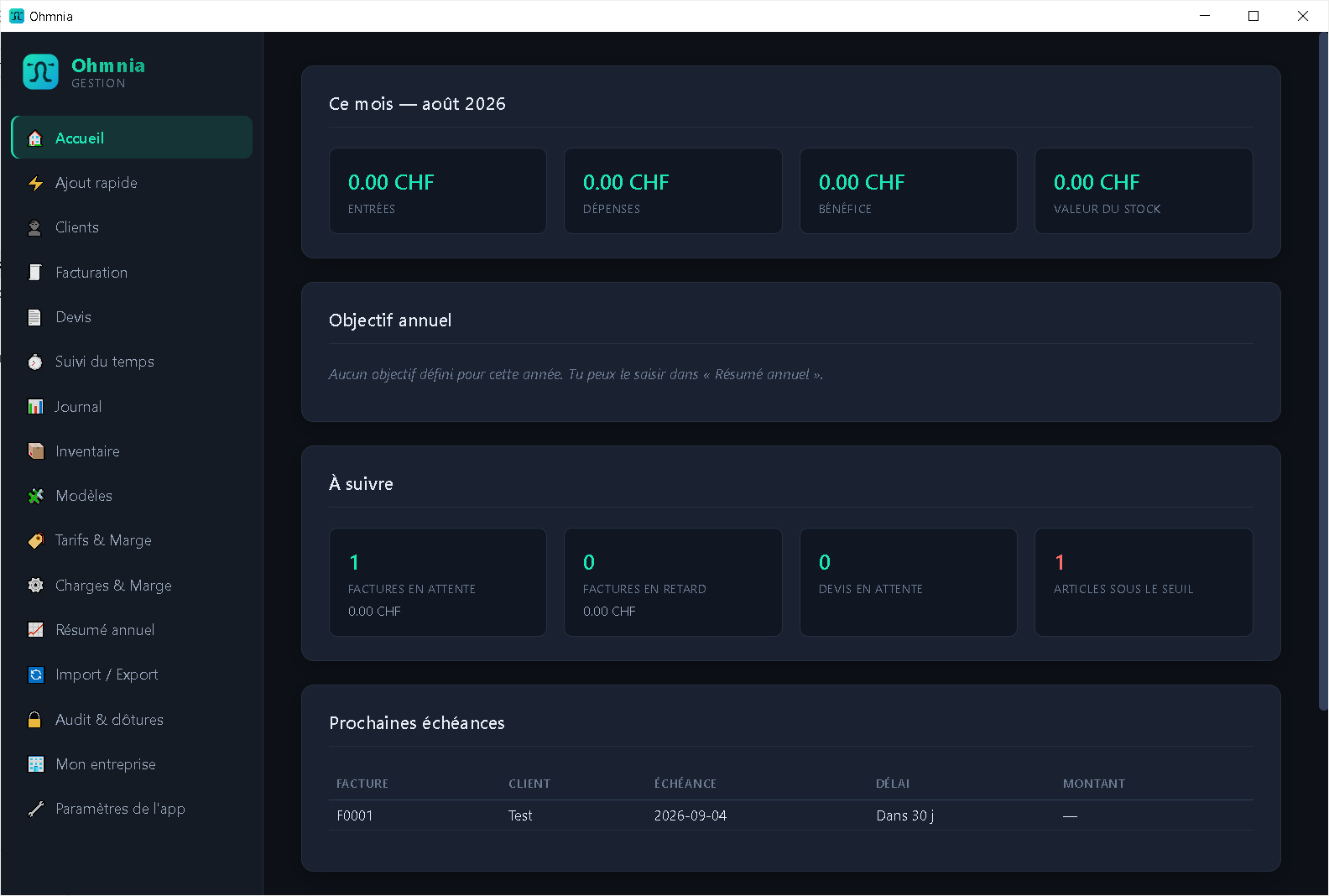
The application running on a desktop computer.
The latest version is published on GitHub. Download the installer and run it.
Never installed a program on Linux? Follow the step-by-step guide.
On first launch, Windows may show a SmartScreen warning ("Windows protected your PC"). The installer is not signed with a commercial certificate, which is common for independent software. Click More info, then Run anyway. The source code is public if you would rather check it before installing.
Several computers or a NAS? Read this first
By installing Ohmnia you accept the terms of use.